
To submit your paper to the IEC2019, please follow the following steps so you can complete your submission:
- First, you need to login to EDAS System via this link https://edas.info/

- If you don’t have an EDAS account, then you need to create an account.

- Complete required information, then click Add this person button. (It’s recommended to use your official institute email account)
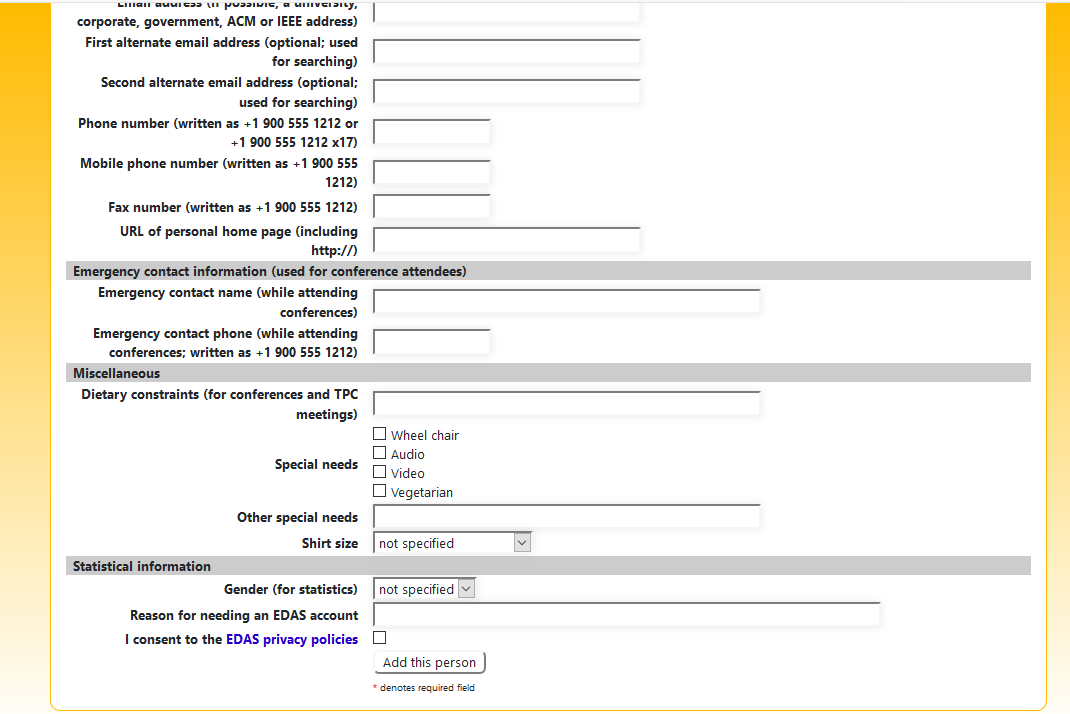
- Then the account will be created for you.

- Now, you have to access your mail box and confirm your account by clicking on the link sent to your email.

- Now, you have to set your password.

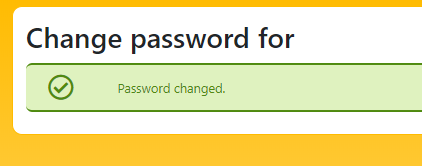
- So far, your account is ready, now you need to open edas.info and login with your new account, as shown below.

- Now, your account is ready.
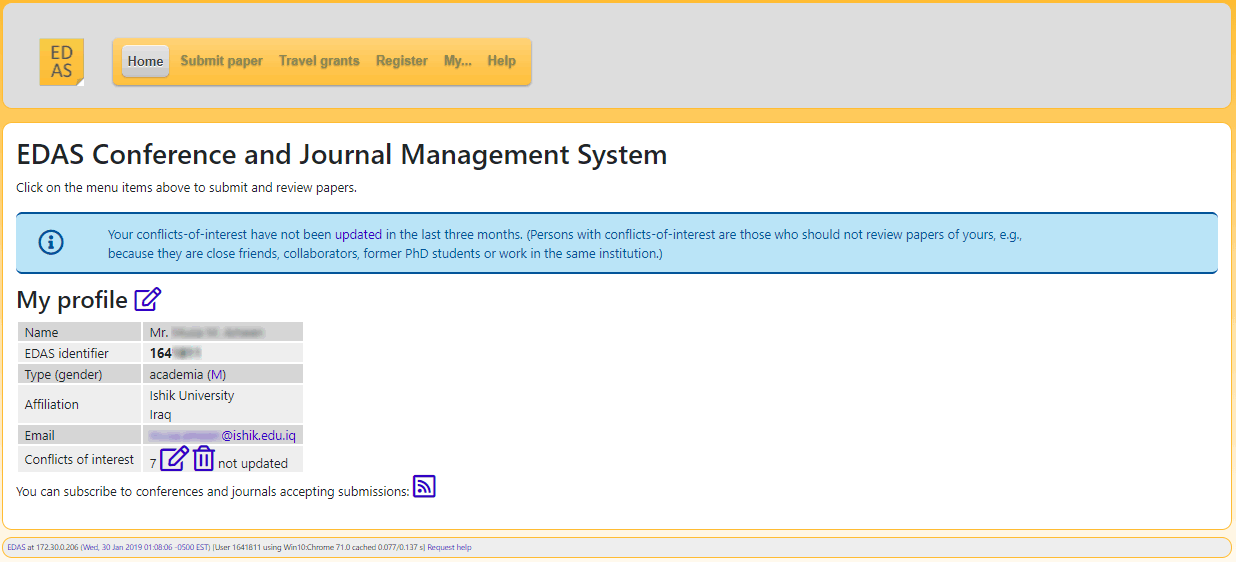
- To submit a paper, you must click on Submit paper and search for the IEC from the input box, as shown below.
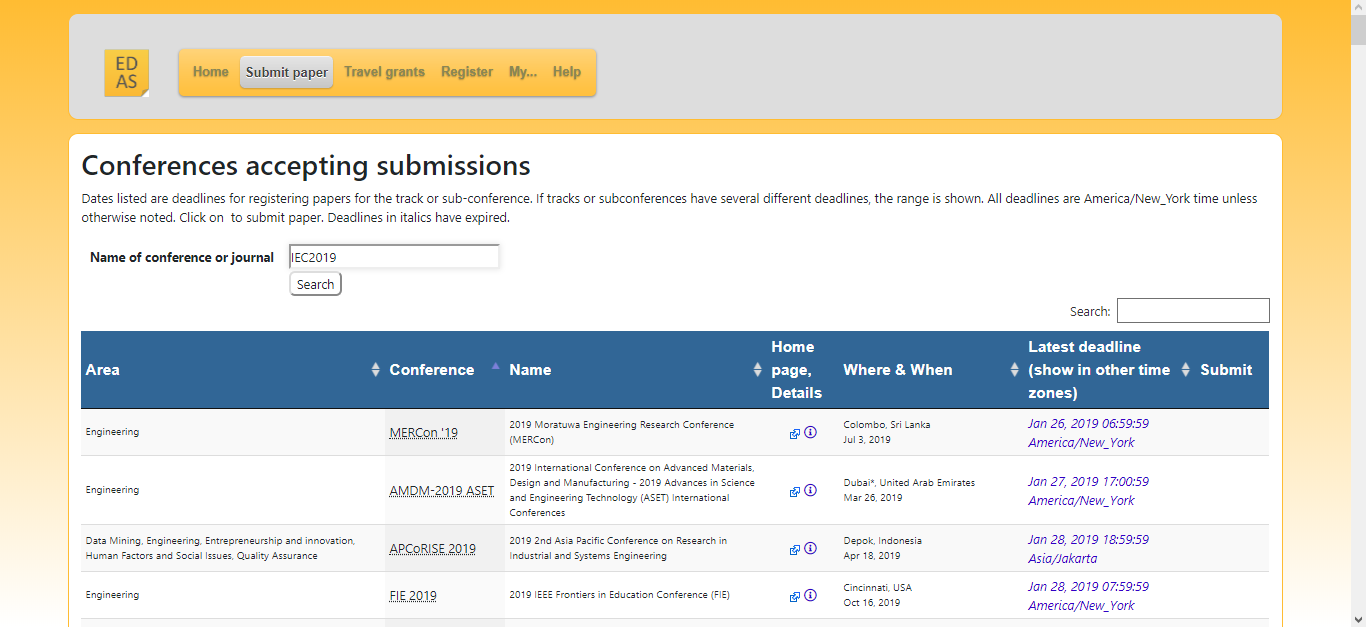
- Search for IEC 2021 will result the following window.
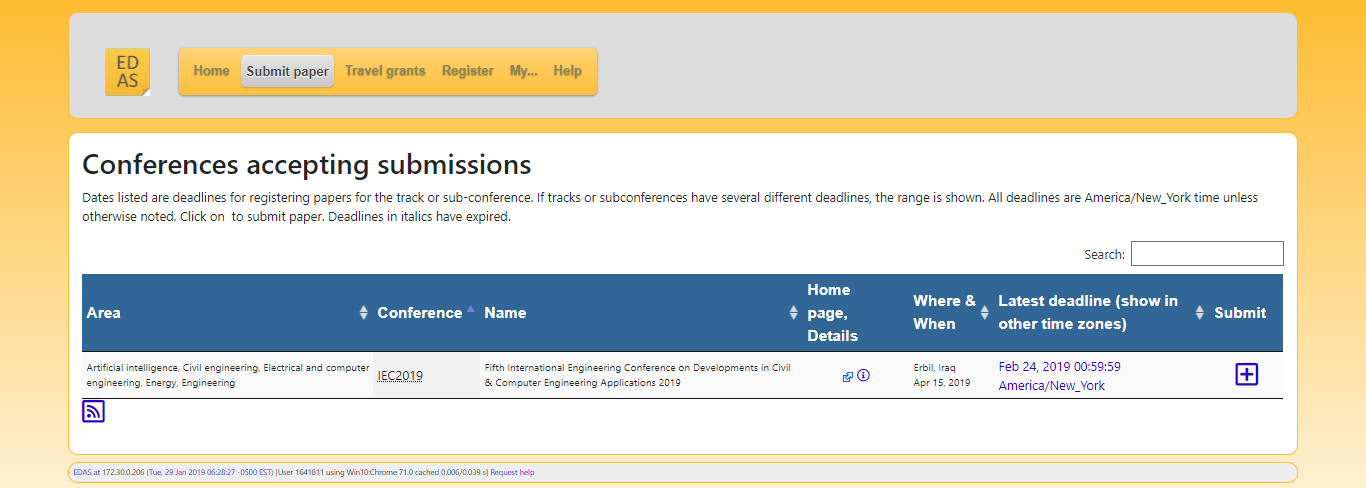
- Click on the + icon on the right side, then select the track that fit your paper as following (Click here for Tracks)

- Finally, fill the fields as of your paper information.

- Submit, and it’s done 🙂